Brightness and lumens: the decision that matters most
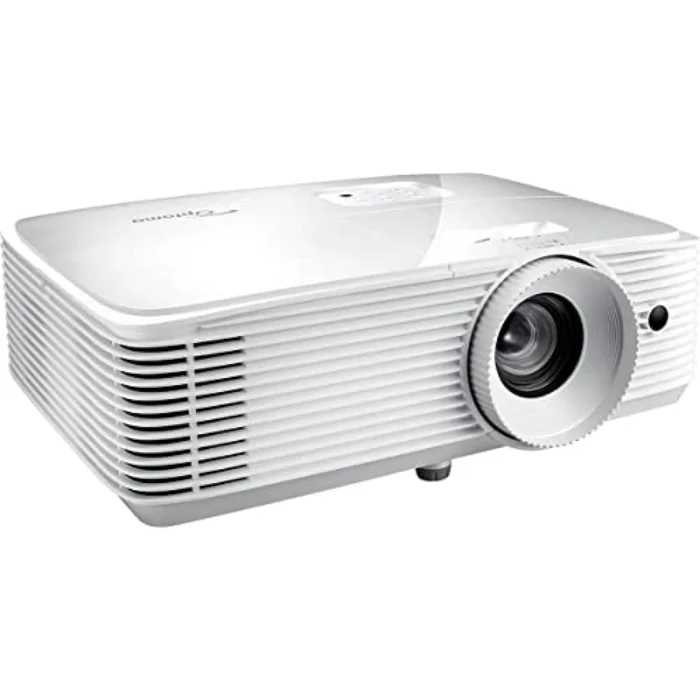
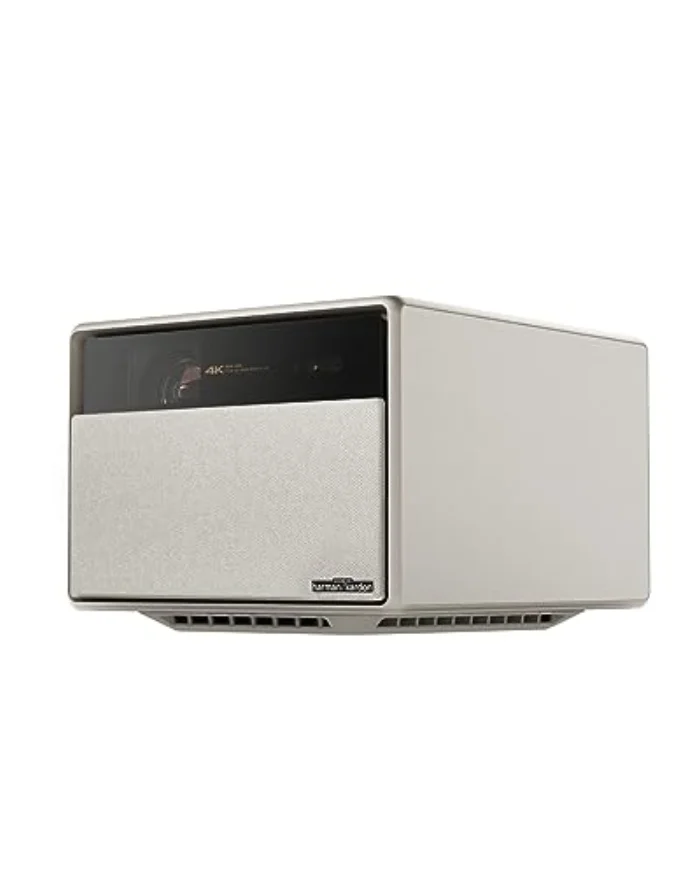
Brightness is the single most important thing to get right, and the one buyers most often get wrong. A projector throws light onto a wall, so the more light in your room, the brighter the projector has to be to fight it. Brightness is measured in ANSI lumens, a standardised figure, and here is the rough guide: around 1,500 ANSI lumens for a fully blacked-out room, 2,000 to 2,500 for a normal living room with the curtains drawn, and 3,000 or more to cope with real daylight or a lamp on. In our testing the brightest unit, the Optoma UHD38, measured 3,290 ANSI lumens, while the dimmest, the XGIMI Horizon Pro, measured 1,510. Both are good projectors, but they belong in very different rooms, so decide how dark your room gets first, then choose the brightness to match.
Be very wary of the brightness figure on the box. Many cheaper projectors quote "LED lumens" or "light source lumens", which can be three to four times higher than the real ANSI brightness you actually see, so a projector advertised at "9,000 lumens" for £200 is almost always measuring something other than ANSI lumens. Always look for a genuine ANSI figure, or an honest reviewer's measurement, and treat any huge lumen number on a cheap projector with suspicion. The brightness you see on the wall is what counts, not the number on the listing.
Throw distance: will it fit your room?
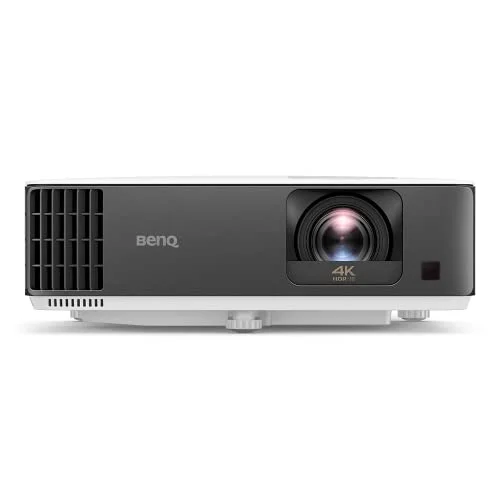
The second thing buyers get wrong, and it is just as avoidable with a tape measure, is throw distance. Throw distance is how far the projector must sit from the screen to produce a given image size, and it is set by the throw ratio: the distance divided by the image width. A 1.5:1 standard-throw projector needs 1.5 metres of distance for every metre of screen width, so roughly three metres to fill a 100-inch screen, while a 0.9:1 short-throw model like the BenQ TK700STi needs under two metres for the same picture. Measure the depth of your room and check the throw ratio against it before you buy. A projector that physically cannot reach the image size you want in your space is the most common and most frustrating mistake, and it is entirely preventable.
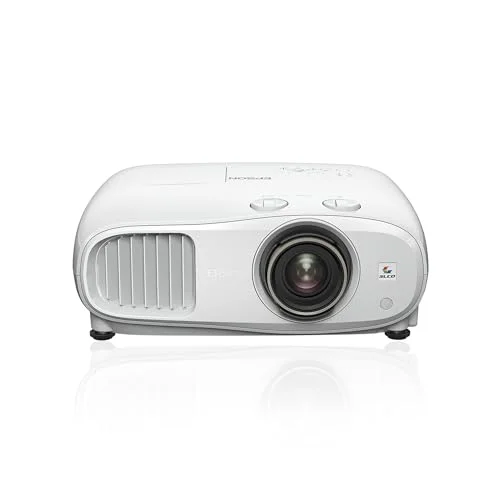
Placement flexibility matters too. Lens shift, as on the Epson EH-TW7100, lets you move the image up, down or sideways optically, so you can place the projector on a side shelf or off-centre and still line it up perfectly with no loss of sharpness. Without lens shift you rely on keystone correction, which squares a tilted image up digitally but softens it slightly, so it pays to position a no-lens-shift projector carefully and square-on. If you can place a projector dead-centre, keystone is no problem; if you cannot, lens shift is worth paying for.
Resolution: 4K or 1080p
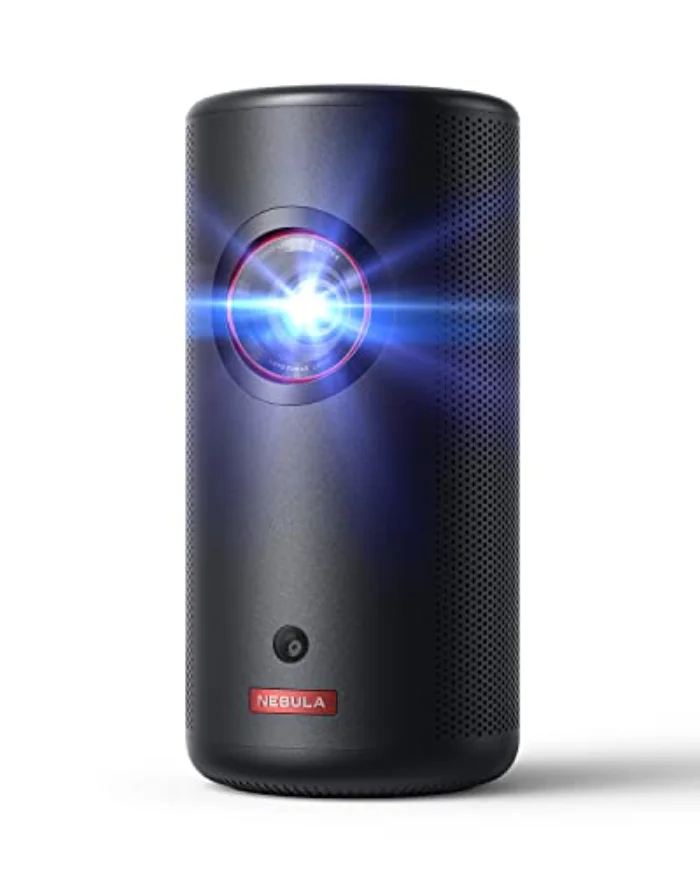
For a home cinema projector watched on a 100-inch screen or larger from a normal sofa distance, 4K is worth having, and it looks noticeably sharper than 1080p on a big picture. Our three dedicated cinema picks, the Epson, BenQ and Optoma, are all 4K UHD between £999 and £1,199. For a portable projector used after dark on a smaller image, 1080p is the sensible choice, because the small, dim picture would not show off 4K and the lower resolution keeps the price and battery demands down, which is why the portable Anker and Samsung here are 1080p. Match the resolution to the size of picture you will actually watch: huge screen, go 4K; small, casual picture, 1080p is plenty.
Lamp, LED or laser: the light source
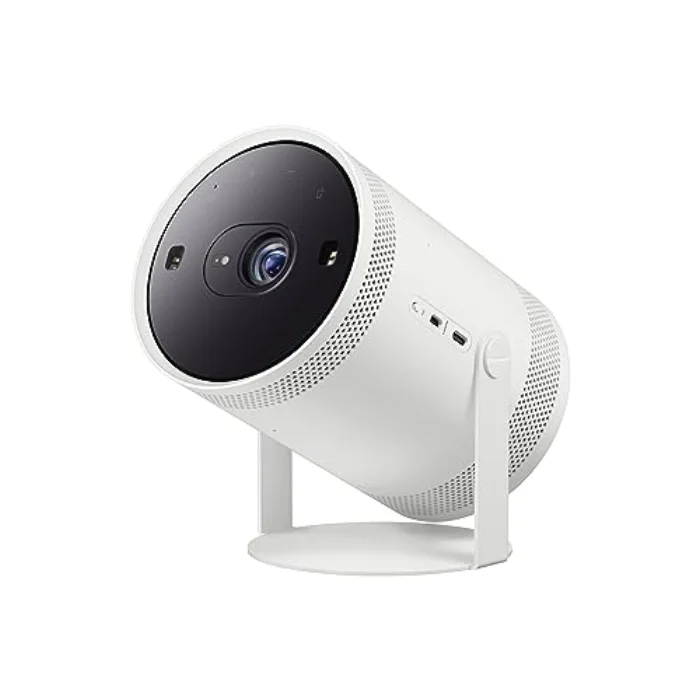
Projectors use one of three light sources, and the choice affects brightness, noise and running costs. Lamp projectors like the Epson and Optoma are usually the brightest for the money but need a bulb change every few thousand hours, typically £60 to £120 a time. LED sources, as in the XGIMI and Samsung Freestyle, run for around 25,000 hours with no bulb to replace and are often quieter, but cost more per lumen. Laser, as in the Anker Capsule 3, lasts longest and turns on instantly. For maximum brightness on a budget, choose lamp; for the lowest running costs over a decade of use, choose LED or laser. There is also the choice of light engine, 3LCD (as on the Epson) has no rainbow effect and full colour brightness, while single-chip DLP is sharp and compact but can show a faint rainbow to sensitive eyes.
Smart features and sound: nice to have, not essential
Some projectors stream and play sound on their own, and some expect you to add a stick and a soundbar. The all-in-one XGIMI Horizon Pro and the portable Samsung Freestyle and Anker Capsule 3 have a full smart TV and usable speakers built in, so they work out of the box, which is ideal if you want simplicity. The dedicated cinema projectors like the Epson and Optoma expect a separate streaming stick and a soundbar or AV receiver, which sounds and looks better but means a little more kit. Built-in speakers on a projector are rarely good enough for serious film watching, so for a home cinema plan on proper sound regardless. Decide whether you value an all-in-one box or the better picture and sound of separates, and choose accordingly.